


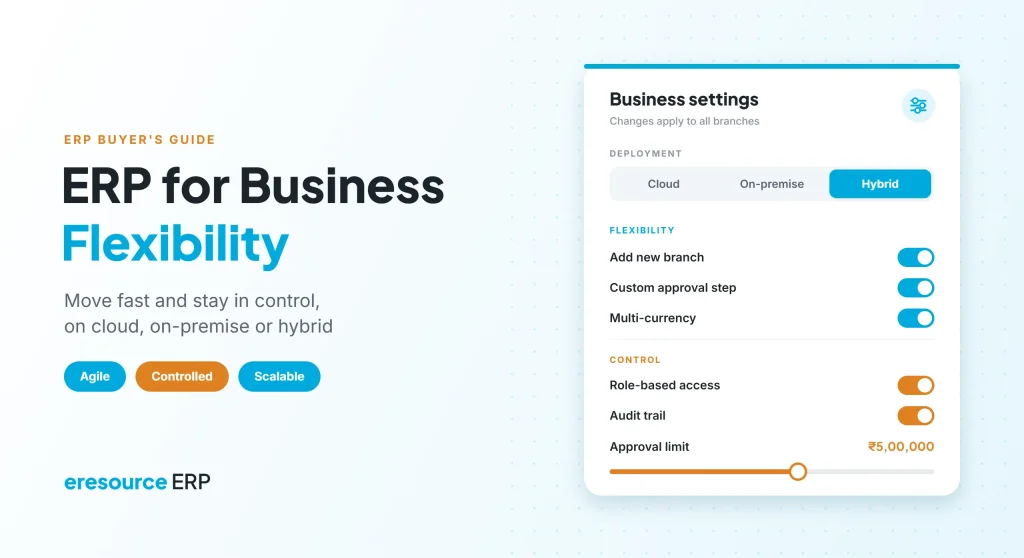
An ERP for business flexibility lets you change processes, add users and open new sites quickly, while you keep firm control over data, money and approvals. Every growing company faces the same tension. On one hand, teams want the freedom to move fast. On the other hand, owners need tight control over cost, stock and cash. So the right ERP has to give you both. This guide explains what flexibility and control mean in an ERP, how cloud, on-premise and hybrid options compare, and what to check before you choose.
Key takeaways
- Flexibility and control work together: a good ERP lets you change fast without losing oversight.
- Deployment is a choice: cloud, on-premise and hybrid each suit different needs.
- No-code changes keep you agile: new forms, approvals and reports should not need a developer.
- Control lives in the workflow: approvals, access rights and audit trails protect the business.
What does business flexibility mean in ERP?
Business flexibility is your ability to respond quickly when markets, customers or rules change. In an ERP, it shows up in simple ways. For example, you can add a product line, a branch or an approval step in days, not months.
Control, in contrast, means you always know who did what, who approved it and what it cost. Therefore, an ERP for business flexibility must also keep every change visible and traceable.
Flexibility and control: why you need both
Many companies think they must pick one. However, too much of either one causes problems:
- Flexibility without control: teams create their own spreadsheets, prices and shortcuts, so the data stops matching.
- Control without flexibility: every change needs IT or the vendor, so the business slows down.
Instead, a good ERP for business flexibility builds control into the process itself. As a result, people move fast inside clear rules.
Cloud, on-premise or hybrid: which ERP deployment fits?
Where your ERP runs also shapes flexibility and control. In fact, this is often the first big decision. The NIST definition of cloud computing describes cloud services as on-demand, network-based and quick to scale. Here is how the three main options compare:
| Area | Cloud ERP | On-premise ERP | Hybrid ERP |
|---|---|---|---|
| Where it runs | Vendor or cloud provider servers | Your own servers | A mix of both |
| Upfront cost | Lower | Higher, for servers and setup | Medium |
| IT effort | Light | Heavy, in-house | Shared |
| Control over servers | Shared with the provider | Full, in-house | Split by workload |
| Scaling up | Quick | Needs new hardware | Quick for cloud parts |
| Best for | Growing SMEs and multi-site teams | Firms with strict data rules or large IT teams | Groups that move in stages |
Generally, cloud ERP suits companies that value speed and low IT effort. Meanwhile, on-premise suits firms that must keep data on their own servers. Hybrid sits in between, so you can move step by step. So when you pick an ERP for business flexibility, check that it offers more than one deployment option. Also, read how a SaaS ERP model helps mid-sized companies control cost.
6 ways an ERP for business flexibility adapts as you grow
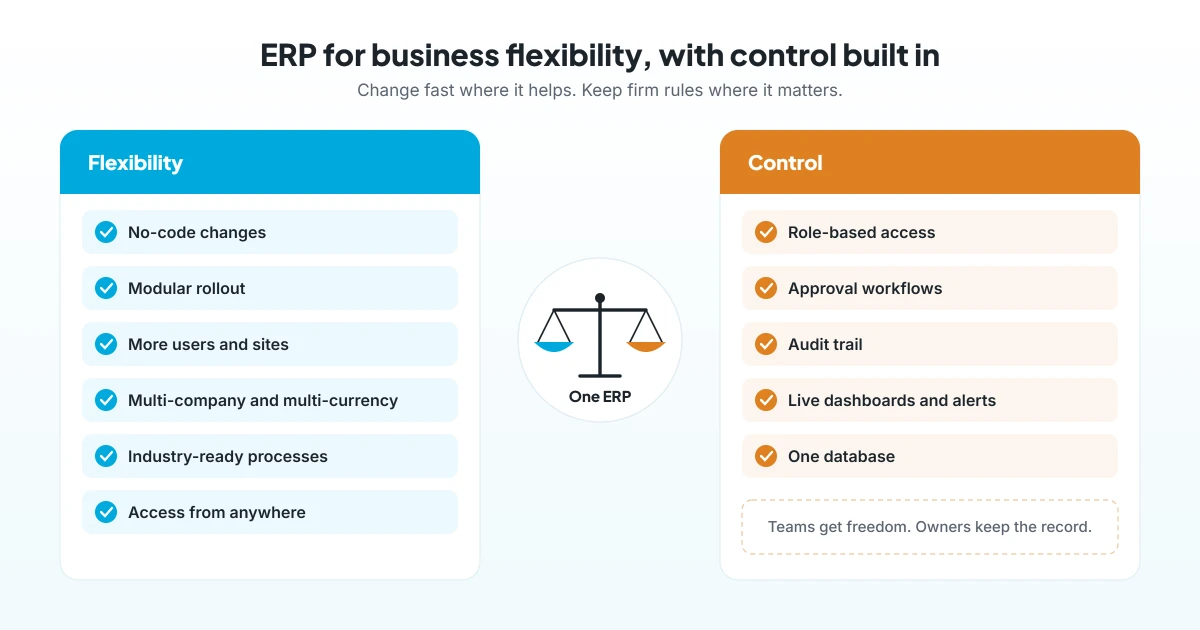
Deployment is only the start. Day to day, flexibility depends on how easily the system changes with you. So look for these six abilities.
1. No-code changes
First, your own team should add fields, forms, approvals and reports without a developer. As a result, a new process can go live in hours instead of weeks.
2. Modular rollout
Next, you should be able to start with core modules, such as finance, stock and sales. Then you add production, projects or HR when you are ready.
3. More users and sites
Also, growth should not force you onto a new system. So check how the ERP handles new users, branches and warehouses, and what each one costs.
4. Multi-company and multi-currency
If you trade across borders or run several entities, the ERP should handle each one. In addition, head office should see one consolidated view of every entity.
5. Industry-ready processes
Similarly, a system built for your sector needs less change. For example, a factory needs BOM and MRP, while a contractor needs BOQ and project billing.
6. Access from anywhere
Finally, managers and site teams should work from a browser or a mobile app. Therefore, approvals and updates do not wait for someone to reach the office.
5 controls a flexible ERP should never give up
Flexibility is only safe when the right controls sit behind it. So make sure the system includes these five:
- Role-based access: each user sees and edits only what their job needs.
- Approval workflows: purchases, discounts and payments above set limits go to the right approver.
- Audit trail: every change records who made it and when.
- Live dashboards and alerts: managers see problems early, not at month-end.
- One database: all departments work on the same data, so the numbers always match.
Together, these controls let you give teams more freedom. In this way, an ERP for business flexibility still keeps a clear record of every step.
How to choose an ERP for business flexibility
Ask these five questions in every vendor demo:
- Can we change it ourselves? First, ask the vendor to add a field or an approval step live in the demo.
- Which deployment options exist? Next, check for cloud, on-premise and hybrid, and ask how a later switch works.
- How does pricing grow? Then compare per-user fees with a flat license as your team grows.
- Is it built for our industry? After that, ask for a demo that uses your own process.
- What controls are built in? Finally, review access rights, approvals and audit trails.
For a broader checklist, read how to choose the right ERP for your business.
Why eresource is an ERP for business flexibility and control
eresource is a web-based, AI-powered and no-code ERP with 37 modules on one platform. It has also served businesses for 20 years, with 3,000+ implementations.
- Cloud, on-premise or hybrid: you choose where the system runs.
- Dashboard Studio: users build their own apps and workflows with zero coding.
- Approvals built in: approvals sit inside core workflows at no extra cost.
- Multi-dimensional reporting: track KPIs by customer, project, location or department.
- Mobile app: manage approvals and reports on the go.
- Unlimited users: one flat license, so you can add people without extra license fees.
- Compliance built in: GST, ZATCA and e-invoicing, plus statutory payroll for India, the UAE, Saudi Arabia and Nigeria.
In addition, industry editions such as Xcel, Nfra and eTrade come with sector processes built in. To learn more, read why a modern ERP system beats legacy software, how cloud ERP brings quick benefits, and how better data visibility drives growth.
Frequently asked questions
What is an ERP for business flexibility?
It is an ERP that lets you change processes, add users and open new sites quickly. At the same time, it keeps approvals, access rights and records under control.
How does ERP improve business flexibility?
Generally, it puts every department on one system that your team can change without code. So new products, branches or rules need days of setup, not a new system.
Is cloud ERP more flexible than on-premise ERP?
Usually, yes, because cloud ERP scales faster and needs less IT work. However, on-premise gives more direct control over servers and data, so the best choice depends on your rules and resources.
Does ERP for business flexibility reduce control?
No. In fact, a good ERP builds control into the workflow through role-based access, approvals and audit trails.
Can we move from on-premise to cloud ERP later?
Often, yes. A hybrid setup lets you move in stages, so ask your vendor how it supports a later switch.
Does eresource support cloud and on-premise deployment?
Yes. eresource can run on cloud, on-premise or hybrid, with one flat license for unlimited users.
Want to see how much flexibility your business can gain? Book a free demo, or start with a free ERP assessment.
Also Read – Advantages of a Web-Based ERP System



