


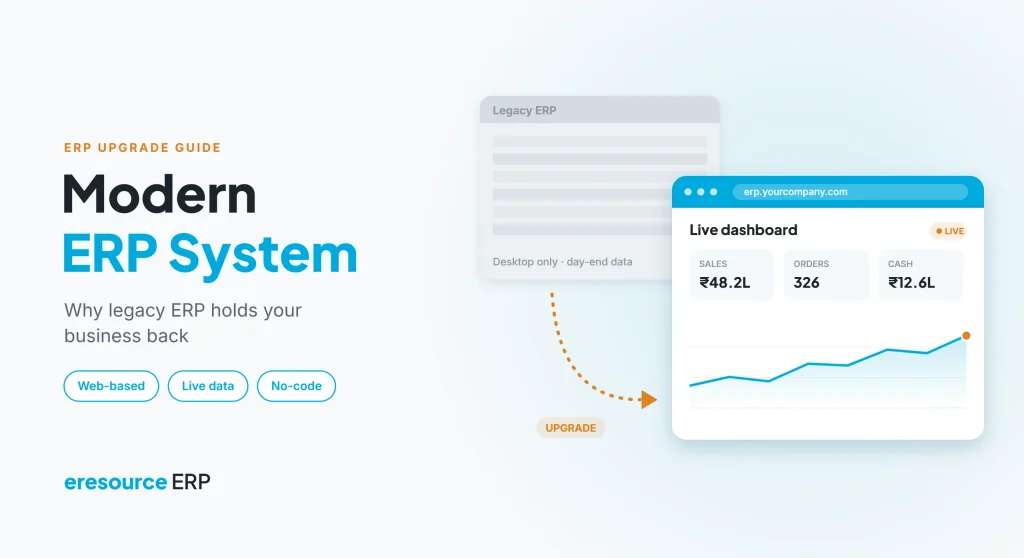
A modern ERP system is web-based, connected and easy to change, which is exactly what an old client-server ERP is not. Years ago, ERP ran on desktop PCs that saved data to a server in the back office. Because of that design, adding a feature meant waiting for the vendor or paying a developer, and linking a branch office was costly. Today, many businesses still run on that kind of system, simply because it has always been done that way. This guide shows how to spot a legacy ERP that is holding you back, what a modern system offers, and how to switch without disrupting daily work.
Key takeaways
- Old ERP costs more than it seems: servers, upgrades and workarounds keep adding up.
- Modern means web-based and real-time: teams work from any browser on the same live data.
- Change without code: new forms, approvals and reports should not need a developer.
- Switching is safer than staying: a planned, phased move limits risk and downtime.
What is a modern ERP system?
A modern ERP system runs in a web browser, keeps every department on one live database and lets your own team adjust it as the business changes. Instead of installing software on each PC, users simply log in from the office, a site or home.
In addition, a modern platform connects branches, warehouses and mobile teams without extra hardware. It also stays current with tax and compliance rules, and it increasingly uses AI to point out what needs attention.
Legacy ERP vs modern ERP system: a quick comparison
First, compare an old client-server ERP with a modern ERP system in the table below:
| Area | Legacy client-server ERP | Modern ERP system |
|---|---|---|
| Access | Installed on office PCs | Any browser, any location |
| Data | Updated in batches, often at day-end | Live data across all departments |
| Changes | Vendor releases or custom code | No-code setup by your own team |
| Branches | Costly links or separate systems | Every branch on the same platform |
| IT overhead | Servers, backups and upgrades in-house | Much lighter in-house IT load |
| Compliance | Manual patches for new rules | GST and e-invoicing updates built in |
| Insights | Static month-end reports | Real-time dashboards and AI alerts |
8 signs your legacy ERP is holding you back
Old systems rarely fail in one day. Instead, they slow the business down little by little. So watch for these signs:
- Teams export data to spreadsheets to get the reports they need.
- A new form or approval takes weeks and a developer’s invoice.
- Branches or sites cannot see the same numbers as head office.
- Staff cannot work outside the office network.
- Each GST or e-invoicing change needs a separate patch.
- Server, backup and upgrade costs keep rising.
- The vendor no longer adds features, or support is hard to get.
- New hires find the screens confusing and slow.
So if several of these sound familiar, your system is costing more than its license fee, and it may be time for a modern ERP system.
Why companies still stay on old ERP
In fact, most companies know their system is outdated. Still, they delay the move for three common reasons:
- Habit: people are comfortable with screens they have used for years.
- Fear of disruption: leaders worry that a switch will stop billing or production.
- Sunk cost: after years of spending on hardware and customisation, walking away feels wasteful.
However, staying put has its own cost. For example, a US Government Accountability Office review found that federal agencies spent about 75% of their IT budget on operating and maintaining existing systems, much of it legacy technology. Similarly, private businesses face the same trap on a smaller scale: money goes into keeping old software alive instead of improving the business. A modern ERP system breaks that cycle.
7 benefits of a modern ERP system
Moving to a modern ERP system changes how fast your business can react. So here is what you gain.
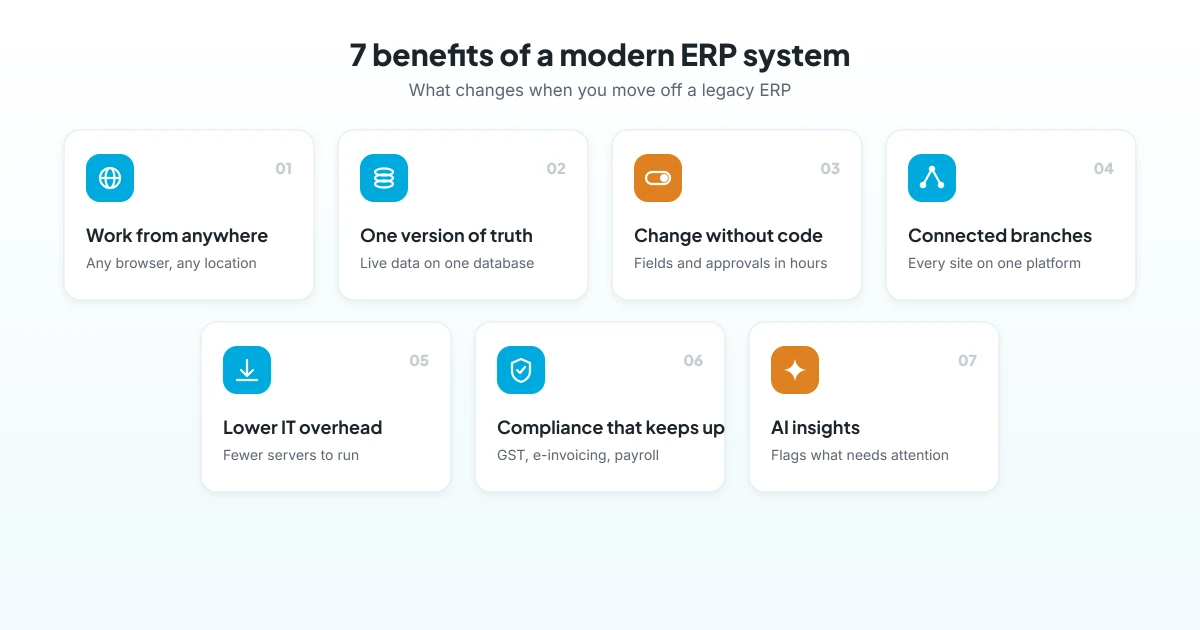
1. Work from anywhere
For example, with a web-based ERP, managers approve orders from a phone, and site teams record work where it happens. As a result, decisions no longer wait for someone to return to the office.
2. One version of the truth
Also, sales, stock, production, finance and HR share one database. Therefore, everyone sees the same live numbers, and month-end reconciliation shrinks.
3. Change without coding
Moreover, your processes will keep changing. Therefore, a modern ERP system with no-code setup lets your own team add fields, approvals and reports in hours, instead of waiting for a developer.
4. Connected branches and sites
Likewise, new branches, warehouses and project sites join the same system from day one. So head office sees every location without extra servers or links.
5. Lower IT overhead
Besides, with a modern ERP system you no longer need to buy, back up and upgrade servers for every new user. Meanwhile, your IT team can focus on improvements rather than upkeep.
6. Compliance that keeps up
Tax rules also change often. However, a modern ERP system keeps GST, e-invoicing and payroll rules current, so finance teams avoid last-minute patches.
7. AI that points to what matters
Finally, AI can scan live data and flag at-risk deals, delayed projects or overdue payments. For a deeper look, read our guide to AI-powered ERP.
How to move to a modern ERP system without disruption
Above all, a planned switch keeps billing, production and payroll running. Follow these steps:
- List what hurts today: first, note the reports, delays and costs your current system causes.
- Pick a platform built for your industry: next, compare vendors with demos that use your own processes.
- Clean your data: then fix item codes, customer records and open balances before migration.
- Run both systems briefly: after that, check key reports side by side for a short period.
- Train by role: train each team on its daily tasks, and appoint a champion per department.
- Go live in phases: finally, start with core modules or one entity, and then add the rest.
Overall, many businesses complete this move in about three months. See our week-by-week guide on how to implement ERP in 90 days.
How eresource helps you modernise
eresource is a modern ERP system: web-based, AI-powered and no-code, with 37 modules on one platform. It has also served businesses for more than 20 years, with 3,000+ implementations in 25+ countries.
- Web-based access: teams log in from any browser, so branches and sites work on the same live data.
- No-code setup: modules and forms are configured without code, so go-live can be up to 3X faster than traditional ERP.
- AzaaleaGPT AI: it works on your live ERP data and flags what needs attention.
- Compliance built in: GST, ZATCA and e-invoicing, plus statutory payroll for India and the UAE/GCC.
- Unlimited users: one flat license covers everyone, from the shop floor to the boardroom.
- Industry editions: Xcel, BPro, Nfra and eTrade come with processes already built in.
To learn more, read why eresource is a next-gen ERP, and explore the advantages of a web-based ERP.
Frequently asked questions
What is a modern ERP system?
It is a web-based business system that keeps every department on one live database. It also lets your team change forms and approvals without code, and it often includes AI insights.
How is a modern ERP system different from legacy ERP?
A legacy ERP is usually installed on office PCs, updated in batches and changed through custom code. In contrast, a modern ERP system runs in a browser, shows live data and can be configured by your own team.
When should a company replace its legacy ERP?
Replace it when reports live in spreadsheets, branches cannot share data, or each change needs a developer. Rising server and support costs are another clear signal.
Is switching ERP risky?
Of course, every switch needs care. However, clean data, role-based training and a phased go-live keep the risk low, and they protect billing and production.
How long does it take to move to a modern ERP?
Generally, it depends on scope. Many small and mid-sized businesses go live in about three months, and eresource’s no-code framework enables go-live up to 3X faster than traditional ERP.
Is eresource a modern ERP system?
Yes. eresource is web-based, AI-powered and no-code, with 37 modules on one platform and one flat license for unlimited users.
Ready to leave your old system behind? Book a free demo, or start with a free ERP assessment.
Also Read – eresource Cloud ERP Brings Immediate and Real Business Benefits



