Easy-to-Use ERP: Why eresource Is Simpler to Use and Faster to Implement
The Indian ERP market has many players today. Yet most buyers want the same two things. They need a system that does the job, and one that people enjoy using. An easy-to-use ERP gives you both. It replaces scattered tools with one simple system that your team can learn quickly.
In this post, we explain what makes eresource stand out. We also share a checklist to help you judge any ERP before you buy.
Why Old Point Solutions Hold Businesses Back
Many companies still run on legacy systems. Most of these are point solutions, built for one task and used by one department. The accounts team has its tool, the store has another and sales has a third.
As a result, nobody sees the full picture. Staff type the same data again and again, and errors creep in. eresource replaces these separate tools with a set of integrated modules.
One Database for Every Department and Site
eresource uses one common company database. It links not just departments but also multiple sites, so you get a true company-wide view.
For example, managers can see finance, HR, manufacturing and marketing data in one place. In turn, they understand how each process affects the others. This visibility helps you spot delays and fix them early.
ERP Within Reach of Mid-Sized Companies
One big challenge in the Indian ERP market has been cost. Traditional ERP systems were complex and expensive, so many mid-sized firms stayed away.
eresource changed this with a need-based approach. You pick only the modules you need and add more later. Learn more about this modular ERP approach and why it suits ERP for mid-sized businesses.
What Makes eresource an Easy-to-Use ERP
We designed eresource to be simple to use and simple to implement. Here is how:
- Built-in industry features: Each industry edition covers the needs that mid-sized firms in that sector share. So you need far fewer costly customizations.
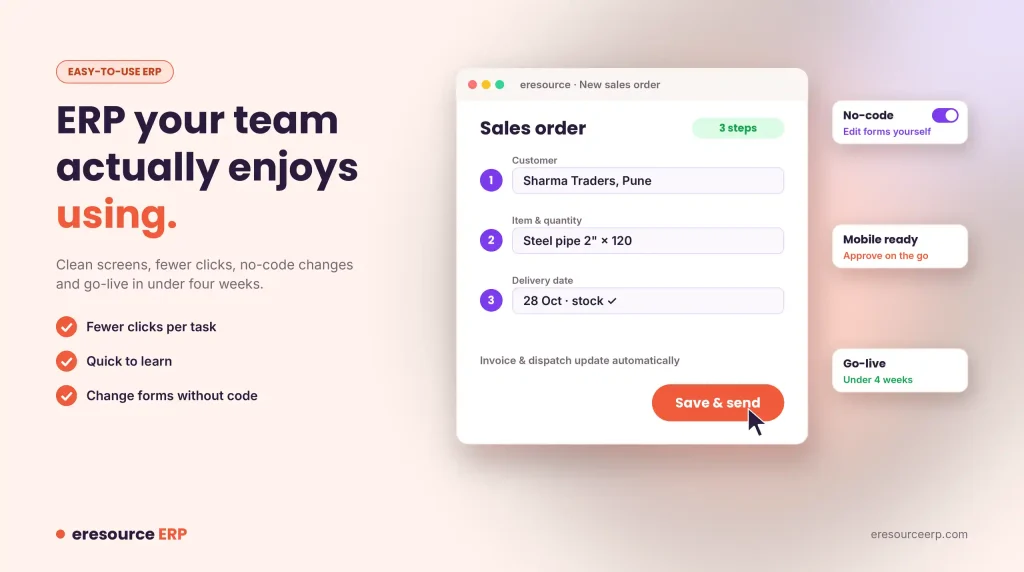
- No-code changes: Your team can adjust forms and workflows without a developer.
- Clean screens: A clear user interface helps staff finish tasks in fewer steps.
- Fast go-live: The 3X faster implementation method aims for go-live in under four weeks.
- Mobile access: The mobile ERP app puts approvals and reports on every phone.
Same Modules, Very Different Features
Almost every mid-market ERP lists the same core modules. However, the features inside those modules vary a great deal. In eresource, the core modules include:
- Business intelligence (BI)
- Customer relationship management (CRM)
- Financial management
- Human capital management (HCM)
- Manufacturing operations
- Supply chain management (SCM)
So always compare features, not just module names.
See the System Before You Buy
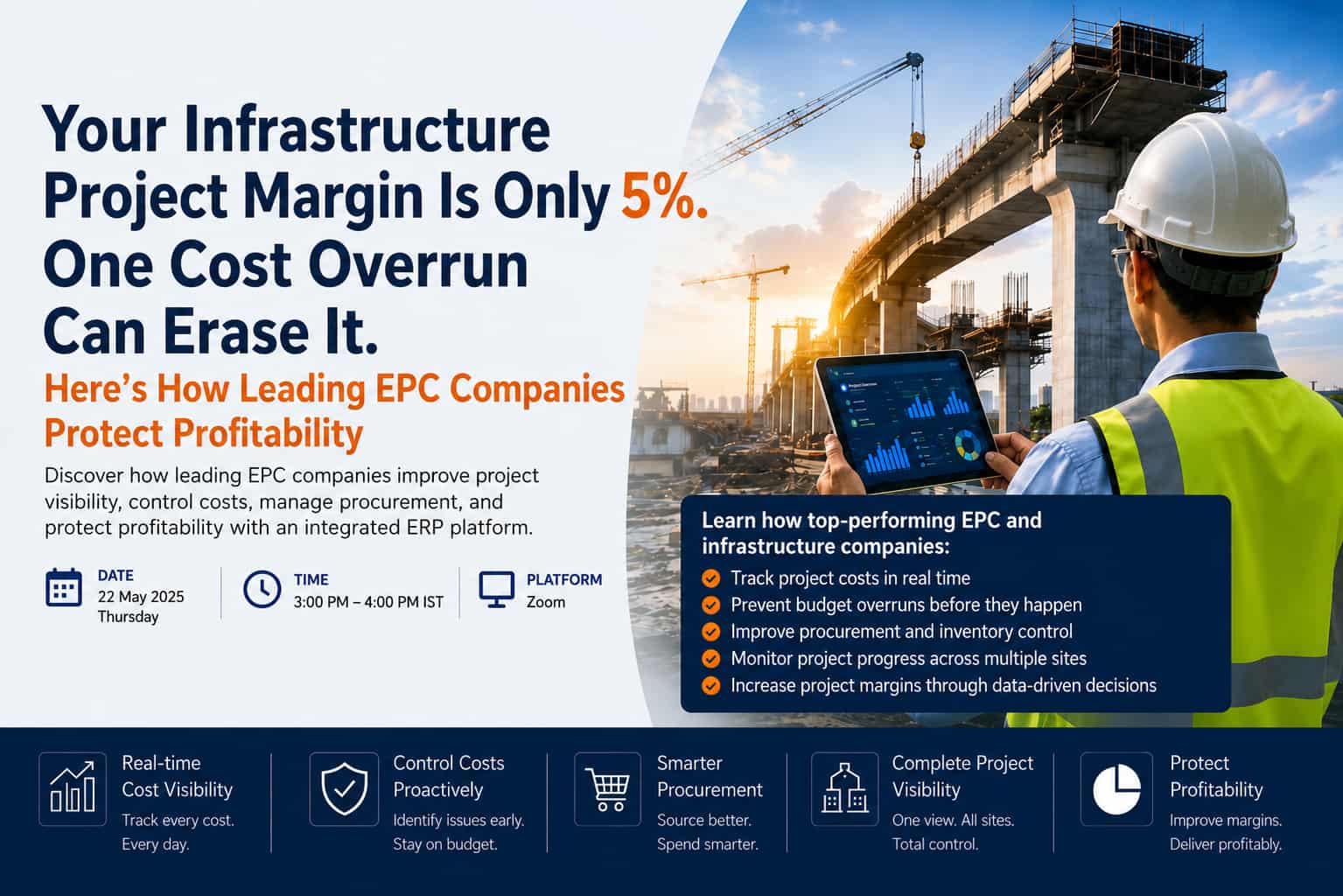
The best way to judge ease of use is to watch the system work. For instance, our construction and contracting ERP page includes walkthrough videos of eresource NFRA in action. They show how contractors gain control of projects, costs and sites.
Even better, ask for a live demo on your own processes. Then you can test the screens with your own data and questions.
Use ERP to Standardise Your Processes
An ERP rollout is also the right time to standardise your business processes across every branch and site. When everyone follows the same steps, the whole organisation pulls in one direction. For tips, read how to make ERP implementation successful.
How to Judge an Easy-to-Use ERP
Use this checklist when you compare vendors:
- Let users try it: Ask two or three staff members to test common screens.
- Count the clicks: Check how many steps a sales order or purchase order takes.
- Check training time: Ask how many days new users need before they can work on their own.
- Test mobile access: Make sure managers can approve and report on the go.
- Ask about changes: Find out whether your team can change forms without code.
Try an Easy-to-Use ERP for Yourself
eresource has made ERP simpler for growing businesses since 2006. To see it on your own processes, book a free ERP demo. You can also call +91 77389 72222 or email sales@eresourceinfotech.com.
Also Read – Free ERP online demo
FAQs About Easy-to-Use ERP
What makes an ERP easy to use?
An easy-to-use ERP has clean screens, few steps for common tasks and features that fit your industry. It also lets your team make changes without writing code.
Why do legacy point solutions cause problems?
Point solutions serve one department each, so data stays in separate tools. As a result, staff retype data, errors grow and managers never see the full picture.
Which core modules does eresource ERP include?
The core modules include business intelligence, CRM, financial management, human capital management, manufacturing operations and supply chain management.
How long does eresource take to implement?
The 3X faster implementation method aims for go-live in under four weeks. However, the exact time depends on your data and processes.
How can we test eresource before buying?
Book a free live demo on your own processes. You can also watch the construction ERP walkthrough videos on our website.