


A clear ERP training plan decides whether your new system becomes a daily habit or an expensive shelf product. ERP changes how every team works, so people need more than a quick demo. However, many projects still train users only on screens and clicks. This guide explains who needs training, what each role should learn, and how to make the learning stick after go-live.
Key takeaways
- Train by role: leaders, key users, end users and admins each need different content.
- Teach the process, not just the screen: people learn faster when they see why a step matters.
- Use many formats: classroom sessions, cheat sheets, videos and hands-on practice all help.
- Keep training going: refreshers after go-live also keep adoption high as the system changes.
Why ERP training decides project success
An ERP system changes the way employees work every day. So no ERP project can succeed without proper training. Yet many training programs fall short for the same reasons:
- Only transactions: users learn which button to press, but not why the step matters.
- No context: the training does not compare old and new processes, so changes feel confusing.
- One-time sessions: nobody repeats the lessons, so people slowly return to old habits.
- One style for all: different people learn in different ways, yet everyone gets the same lecture.
As a result, adoption stays low, and teams keep parallel spreadsheets. For more on this, read about the importance of ERP training.
Who needs ERP training, and what should they learn?
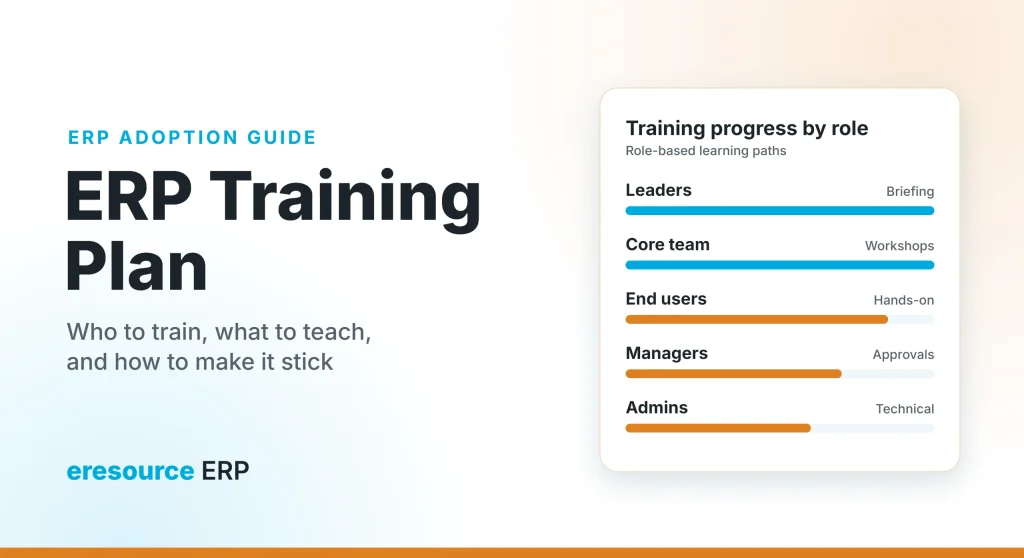
A good ERP training plan starts with roles. The table below shows what each group needs:
| Role | What they should learn | Best format |
|---|---|---|
| Leaders and decision makers | Project scope, risks and their own role in driving change | Short briefings, plus dashboard walkthroughs |
| Core team (key users) | Every process in their area, so they can train others later | Deep workshops and train-the-trainer sessions |
| End users | Daily tasks for their role and basic ERP concepts | Hands-on, role-based sessions |
| Managers | Approvals, reports and what the system does for their team | Short sessions, plus quick guides |
| System administrators | Setup, users, roles, reports and ongoing maintenance | Technical training |
| New joiners | The basics of their role, as soon as they join | Videos, user guides and buddy support |
The core team deserves extra attention. Since these key users become trainers for everyone else, they also need the skills to plan and deliver a session. Meanwhile, the project manager should understand every part of the system, so issues get solved quickly.
6 parts of an ERP training plan that works
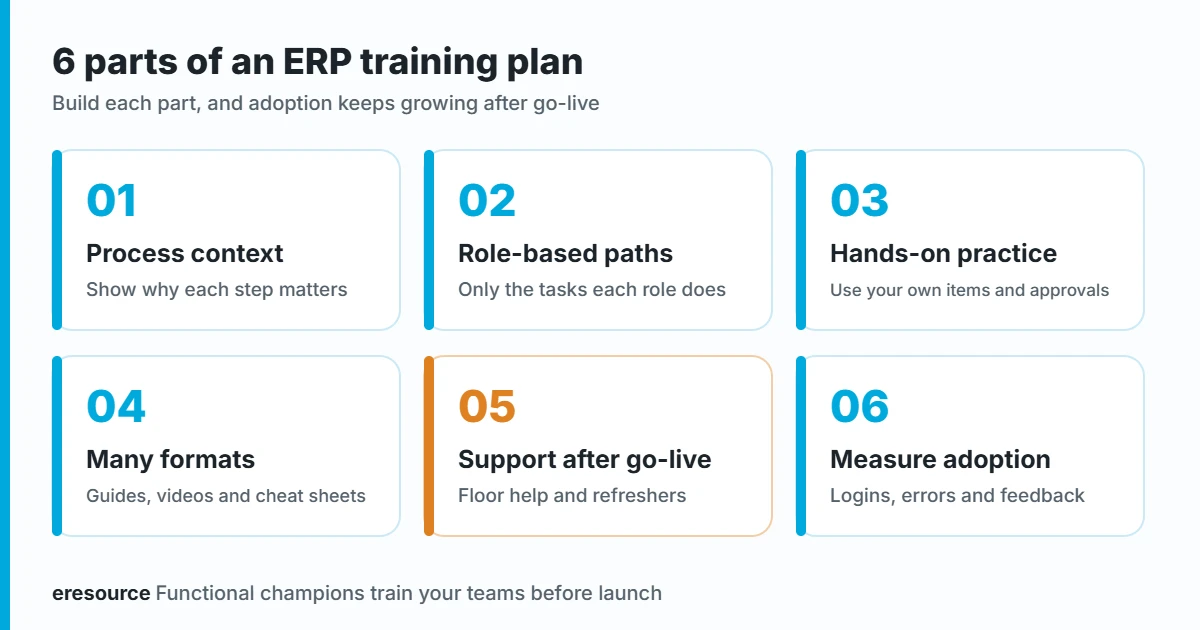
Use these six parts to build your own plan:
1. Process context before clicks
Start with the business process, not the screen. For example, show how a purchase order flows into goods receipt, then into stock and finally into accounts. When users see the full flow, they understand why each field matters. Also, comparing the old process with the new one highlights the biggest changes.
2. Role-based learning paths
A store keeper does not need the finance module. So build a short path for each role, with only the tasks that person does every day. As a result, sessions stay short and relevant.
3. Hands-on practice with real examples
People learn by doing. Therefore, let users practice with examples from your own business, such as your real items, customers and approval steps. In addition, give them simple exercises to complete before go-live.
4. Many learning formats
Classroom training alone is not enough. Instead, mix formats so every learning style is covered:
- Cheat sheets for common tasks, so users find steps quickly.
- Step-by-step user guides, so people can check details later.
- Short video tutorials, which also help new joiners.
- Hands-on simulations, so users practice without fear of mistakes.
5. Support and refreshers after go-live
The first weeks after go-live bring the most questions. So keep key users on the floor to help, and run short refreshers when you spot common errors. Later, as the system grows with your business, train people on every new feature or process change.
6. Measure adoption
Finally, check whether training worked. For instance, track how many users log in daily, how many records still come from spreadsheets, and where errors repeat. Then plan extra sessions for the teams that need them. Good training is part of wider change management, so treat it as an ongoing effort.
A sample ERP training plan timeline
Every project is different. Still, this sample shows how training fits into a typical rollout:
| Stage | Who | Training focus |
|---|---|---|
| Kickoff | Leaders and core team | Goals, scope and roles |
| Design and setup | Core team | Deep process workshops, so they can give feedback |
| Testing | Core team and selected users | Hands-on practice with real examples |
| Before go-live | All end users and managers | Role-based sessions, plus cheat sheets |
| Go-live weeks | Everyone | Floor support and quick fixes |
| After go-live | Teams with gaps, and also new joiners | Refreshers and new feature training |
How eresource makes ERP training easier
eresource builds training into every implementation. Its functional champions work alongside your team at every step, and they train your teams before launch. Then support continues after go-live. eresource also helps in other ways:
- Unlimited users: one flat license covers everyone, so you can train every employee at no extra license cost.
- Web-based access: users log in from a browser, so remote teams and branches can join training easily.
- Industry editions: processes already match your industry, so users learn familiar steps.
- No-code setup: your team can adjust forms and approvals as it learns, without waiting for developers.
In addition, eresource HRMS tracks training as part of the employee lifecycle, so HR can see who completed which program. To learn how the rollout works, read why eresource is an easy to implement ERP, or see why ERP implementation is a user-driven project.
Common ERP training mistakes to avoid
- Training too early, so people forget everything before go-live.
- Training only the core team, and then hoping knowledge spreads on its own.
- Skipping managers, although they approve and review work every day.
- Using sample data that looks nothing like your business.
- Stopping all training after launch, even when processes change.
Frequently asked questions
What is an ERP training plan?
An ERP training plan is a schedule that shows who needs training, what each role should learn, and which formats to use. It covers the time before go-live and also the support after launch.
Who should receive ERP training?
Leaders, the core project team, end users, managers and system administrators all need training. However, each group needs different content, so a role-based plan works best.
When should ERP training start?
Core team training starts early, during design and setup. End user training works best close to go-live, so people still remember it when they start using the system.
How do you measure ERP training success?
Track daily logins, the share of work done in the ERP instead of spreadsheets, and repeated errors. Also, collect feedback from users and plan refreshers where gaps appear.
Does eresource provide training?
Yes. eresource functional champions train your teams before go-live, and support continues after launch. Also, one flat license covers unlimited users, so everyone can learn the system.
Want to see how eresource trains teams like yours? Book a free demo, and a consultant will walk you through the rollout plan.
Also Read – How to Implement a Strong ERP Program



